Search With Context
Compare villas, homes, condos, land, rentals, and project opportunities while keeping the places you may want to revisit from disappearing into tabs and screenshots.
A West Coast villa, Christ Church apartment, St. James rental, or land opportunity can all catch your attention for different reasons. estateTT helps you search, save, compare, and keep tours, messages, documents, valuations, payment questions, and professional support easier to manage from your account.
Compare villas, homes, condos, land, rentals, and project opportunities while keeping the places you may want to revisit from disappearing into tabs and screenshots.
The property may look right, but land tax details, title review, valuation timing, lender review, and attorney requests can change how sensible the next step feels.
Buying, renting, selling, preparing documents, requesting valuation support, finding an agent, or reviewing a development each needs a different kind of support.
What are you trying to do?
Pick the property question in front of you. estateTT gives you a clearer place to start, whether you are finding a home, preparing a move, or running the work behind a transaction.
Now exploring
Find a place
Start with the property decision in front of you.
Start with the property type and path that fit what you need.
Get the property, seller, and mortgage details in order before the transaction moves forward.
Choose the professional path that matches the work you do around a property transaction.
When a Barbados property becomes real work
A West Coast villa, Christ Church apartment or inland parcel can move quickly from browsing into tours, documents, valuation questions and professional follow-up. estateTT gives that work one clearer place to live without replacing the people responsible for the decision.
Step 1
Search homes, condos, villas, land and rentals, then keep the strongest options ready to revisit.
Properties · saved properties · saved searches
Step 2
Keep tours, calendar activity and messages visible when a Barbados property moves beyond casual browsing.
Tours · calendar · messages
Step 3
Keep land tax information, title questions, valuation needs, lender preparation, quotes and service requests close to the property they belong to.
Documents · valuations · quotes · services
Step 4
Review offers, requests, progress and follow-up without rebuilding the story from separate conversations.
Offers · requests · progress
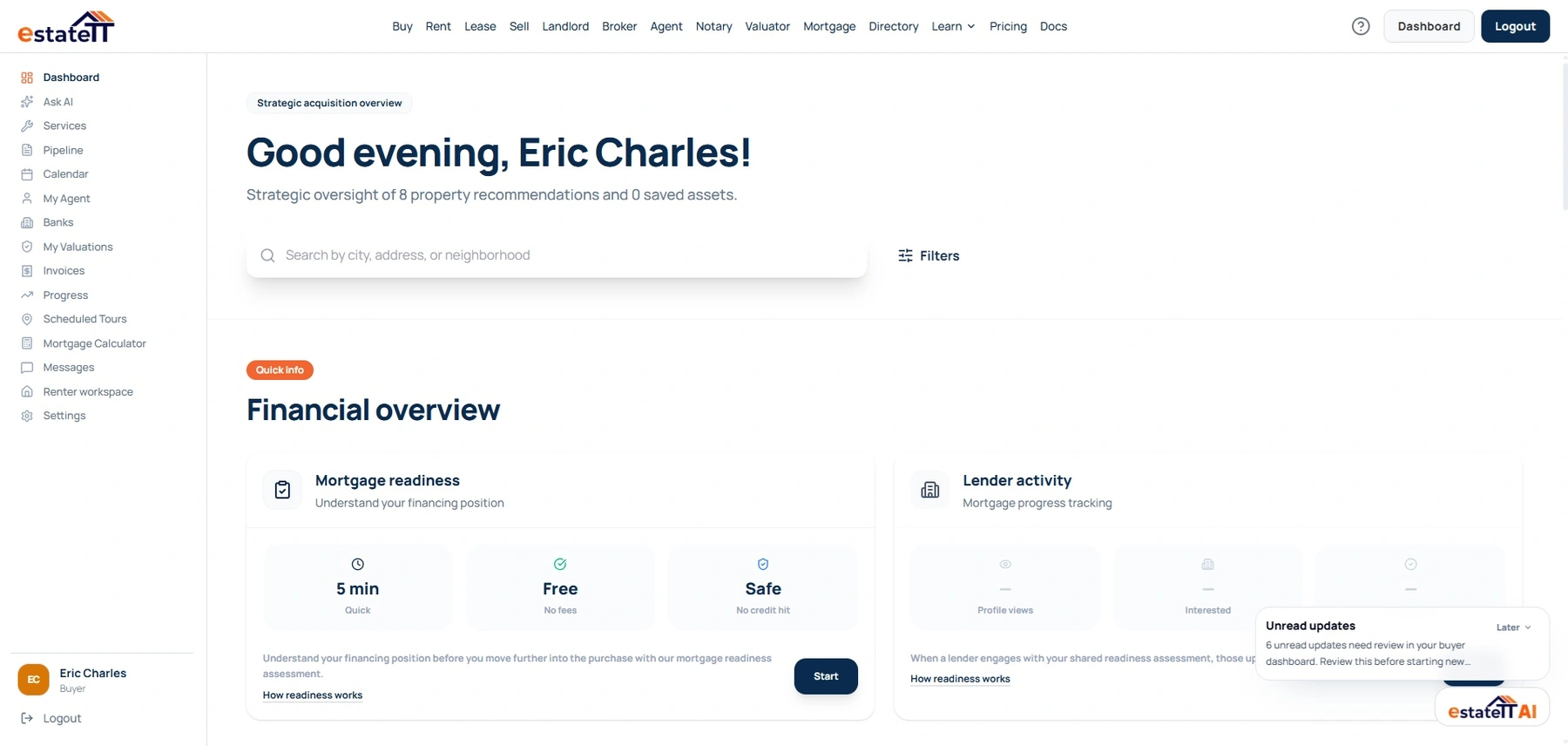
Buyer workspace
The account view used to keep property activity connected
Saved activity
Properties and saved searches.
Scheduled activity
Tours and calendar records.
Transaction activity
Offers, progress and support requests.
The account changes with the work
Choose a role to see the account visual and responsibilities designed for that work. Company accounts and service providers have their own dedicated paths in the same switcher.
Buyer account preview
Live estateTT account
Save properties and searches, manage tours and messages, review offers and progress, prepare mortgage records, and reach valuation or service support from the buyer workspace.
Saved properties and searches
Tours, calendar and messages
Offers, readiness and valuations
One property. Different responsibilities.
Each participant manages the activity attached to their own role. The account helps them prepare records and conversations; users still control what they share, and qualified professionals keep responsibility for professional decisions.
The property in question
The common reference—not a shared decision-maker
Searches, saves, schedules and keeps their own questions and activity in view.
Manages property records, interest, applications, offers and property-side follow-up.
Handles leads, clients, listings, mandates, viewings and professional communication.
Reviews the records and requests relevant to financing or valuation work in its own workflow.
Manages the request, documents, quote, appointment or service work they are responsible for.
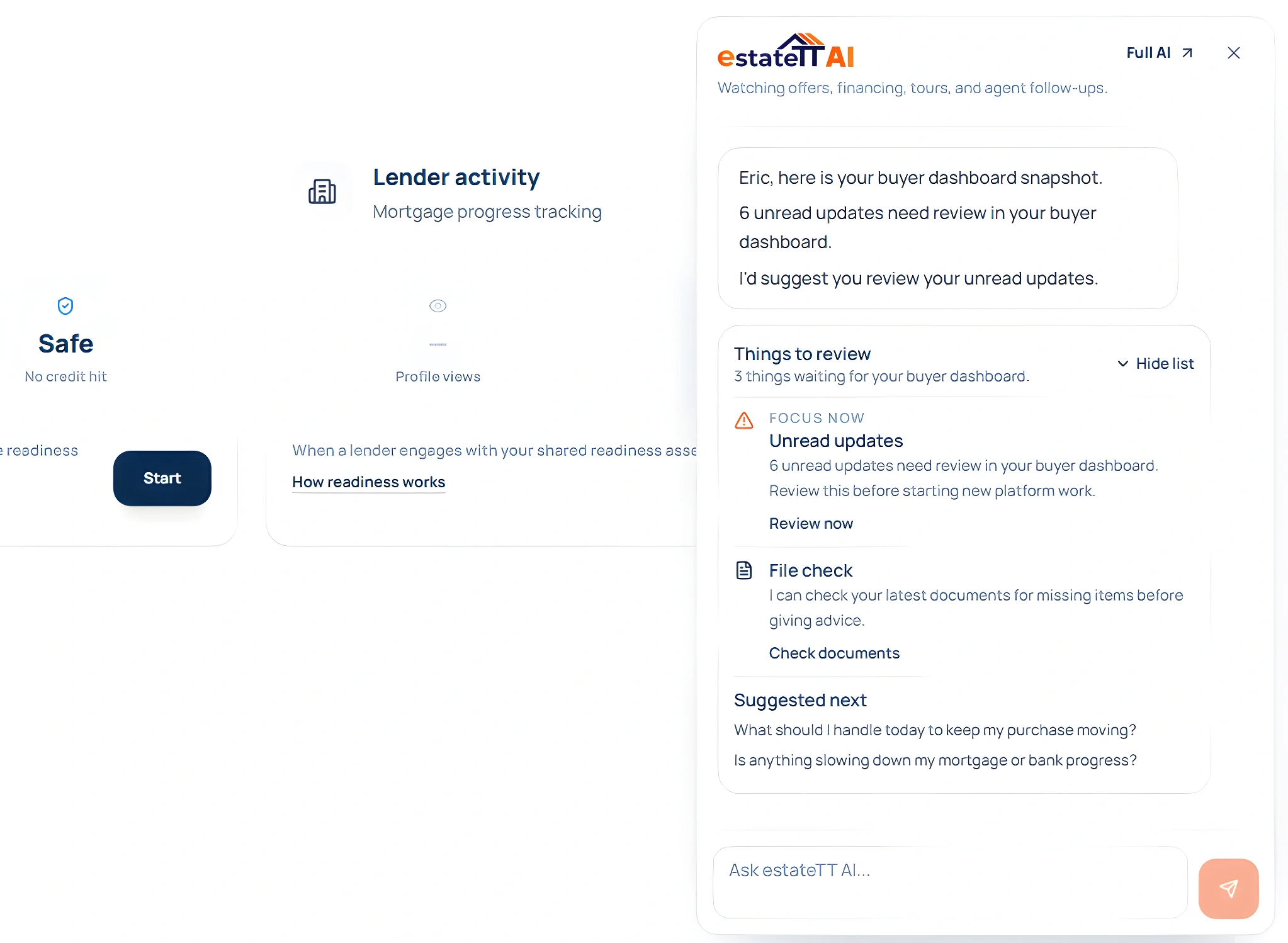
The individual buyer review agent is read-only and advisory. It can inspect supported buyer records and suggest the relevant place to continue; it does not submit offers, approve financing, value property or make legal decisions.
Buyer offers and their current status
Mortgage readiness files and document gaps
Upcoming tours and calendar activity
Saved properties, agent recommendations and updates
Choose the next move
Start with active sale and rental listings in Barbados.
Browse nowCreate the individual, company or professional account that matches the work you need to manage.
Start signupReview account options for agents, brokers, developers and property professionals.
View plansChoose the work in front of you—finding a property, listing one, managing clients, preparing for financing, arranging a valuation, handling legal-support work, or presenting property services—and return to the matching role page.
estateTT is a technology provider that delivers specialized workflow and organization tools for various real estate platform participants. estateTT is not a real estate agency, brokerage, legal firm, or financial institution. The platform does not make title, lending, landholding-license, fee, deposit, or transaction-outcome decisions. While the platform reserves the right to review participants to maintain network quality, it does not certify professional credentials or replace independent checks. Users are solely responsible for independently verifying all transaction details, licensing, and legal requirements with qualified local professionals and relevant regulatory authorities before engagement.