Name what changed for the client
Record the feature, concern, compromise, or unanswered point that altered the shortlist after the viewing.
A client may love the outlook, question the approach, compare the layout, or change priorities after seeing the property. estateTT helps brokerage leadership retain what the viewing changed so the next recommendation, seller update, and management review are based on more than a vague thumbs-up.
estateTT brokerage account
Grenada team, listings, offers, reports, and handoffs
Set up
Create the brokerage team
Connect work
Bring listings and activity in
Review signals
See what needs attention
Resolve gaps
Clarify ownership and handoffs
Lead forward
Support the responsible people
Start with the operating picture
The brokerage does not need to repeat what residents already know. It needs to preserve why this client moved toward or away from this property. Keep viewing outcomes, client trade-offs, listing questions, seller responses, offers, documents, and assigned follow-up connected to the active work.
Record the feature, concern, compromise, or unanswered point that altered the shortlist after the viewing.
Give the responsible agent and brokerage enough context to avoid repeating unsuitable recommendations.
Use appointments, messages, offers, reports, and notifications to understand why work moved or stalled.
Where opportunity starts to leak
Without the reason behind the reaction, client feedback becomes too vague to guide another agent, inform the seller, or support management.
Words like interested or not interested do not explain what to recommend or clarify next.
A seller update should reflect the question or objection raised, not a generic report that the viewing happened.
If exclusion reasons stay in memory, another team member can restart the search from the wrong assumptions.
The estateTT Grenada brokerage workspace
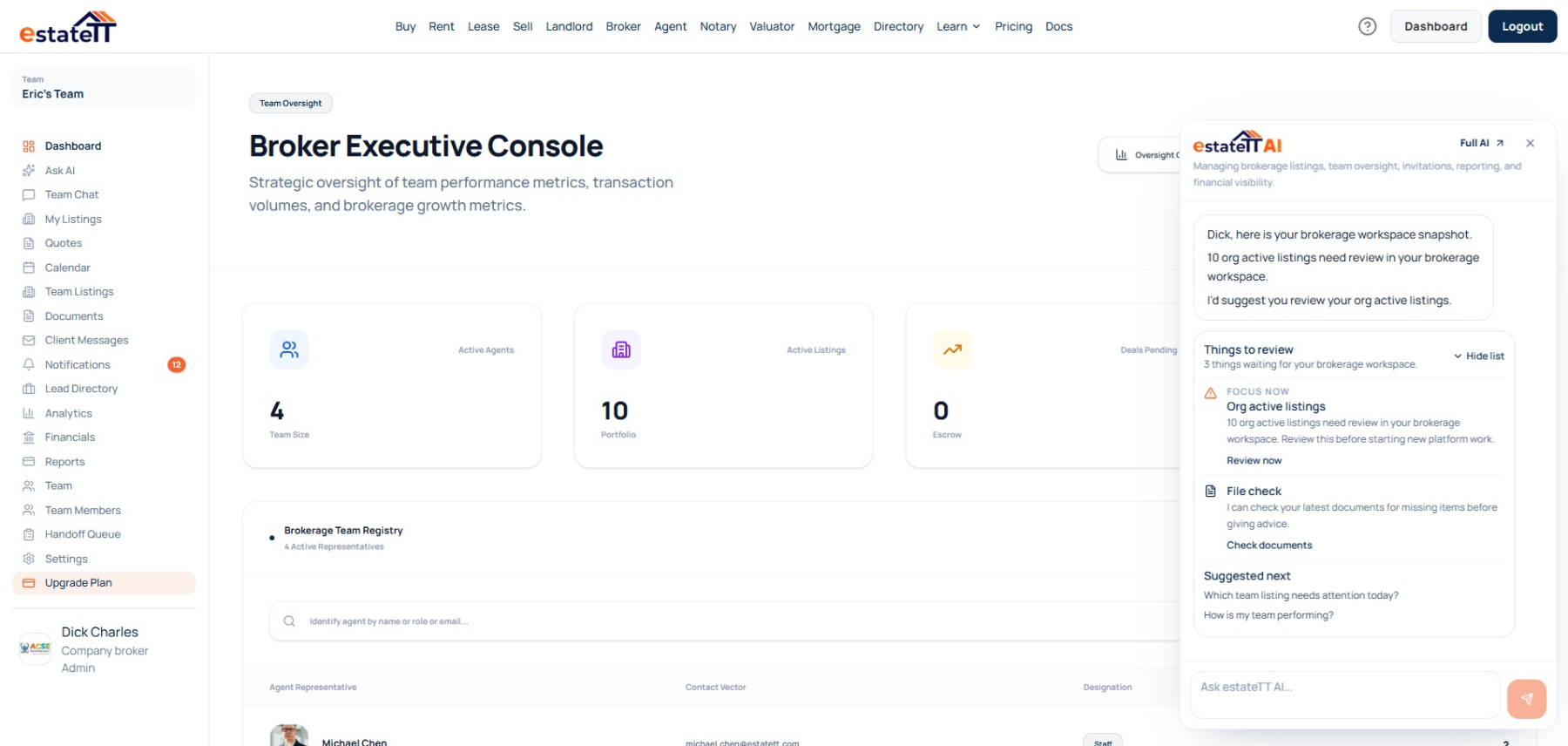
The company workspace connects membership, role-aware access, listings, offers, messages, calendars, documents, notifications, lead activity, analytics, reports, and financial records.
Role-aware views let Grenada agents execute assigned work while leadership reviews team membership, role-aware access, company and personal listings, offers, messages, documents, calendars, notifications, directories, analytics, reports, and financial activity at the level appropriate to its responsibility.
When responsibility changes, administrator handoffs can carry the client's criteria, open questions, and unresolved work to a new owner.
Set Grenada membership, invitations, permissions, and assignments without giving every person management-level access.
Keep the client, property, and responsible-person context available so the Grenada team can name what changed for the client.
Use supported Grenada reports and account signals to decide whether the gap needs information, authority, or assignment, then decide how leadership should respond.
Give another Grenada team member the unresolved property and client context after account access or responsibility changes.
The brokerage journey
The Grenada broker journey connects company setup, name what changed for the client, informed review, accountable reassignment, and support for the people carrying the work.
01
Create the Grenada company brokerage and assign account access according to each person's responsibility.
02
Link Grenada listings and appointments to their offers, messages, documents, notifications, and responsible team members.
03
Review the records behind the activity and decide whether the open Grenada work needs information, authority, assignment, or follow-up.
04
Review open Grenada items, name the new owner, and return the relevant property and client context to the active team.
05
Give the Grenada agent, client, leader, or qualified professional the context needed for the action that belongs to them.
Connected Grenada activity does not transfer judgment
estateTT can organize Grenada client and listing activity. It does not confirm the property's condition, access, title, value, suitability, legality, or any professional conclusion.
Use the Grenada company view to supervise, assign, support, and review within the authority attached to the brokerage role.
Keep assigned execution with responsible Grenada agents, client authority with clients, and professional conclusions with the qualified people accountable for them.
What the Grenada brokerage account keeps connected
Organize Grenada company membership, invitations, permissions, and assigned responsibility
Keep the client, property, responsible person, and next action visible while the brokerage works to name what changed for the client.
Review Grenada listings, offers, messages, documents, reports, notifications, and financial signals with their context
Use the administrator handoff view to keep unresolved Grenada work attached to a newly responsible person.
What the Grenada operating view cannot conclude
Verify Grenada licensing, compliance, title, condition, access, value, or another party's property representations
Approve offers, set commissions, or exercise Grenada client and management authority that has not been granted
Provide legal, tax, lending, valuation, inspection, regulatory, or other professional advice for Grenada property work
Replace Grenada brokerage leadership, responsible agents, qualified professionals, or client judgment
Account-aware AI
AI can surface supported listing, offer, team, invitation, financial, and unread activity so leadership can investigate the client or property context instead of treating the signal as the conclusion.
Trace a Grenada management concern to the supported listing, offer, team, message, notification, reporting, or financial context behind it.
Bring stale, unread, or unresolved Grenada activity into view so leadership can assign the appropriate follow-up.
estateTT AI does not rank Grenada agents, approve offers, set commissions, verify property claims, or replace management and professional judgment.
Continue through the right route
In Grenada, company oversight, independent brokerage, and agent execution can share property context without sharing identical permissions or operating views.
See how an individual Grenada agent manages client context, listings, appointments, offers, and follow-up from the execution side.
Compare professional and company plan options for a Grenada brokerage.
See how the wider estateTT platform connects Grenada brokerage activity to related property roles.
Questions before you start
A Grenada broker working alone can choose the independent account. Use the company path when the practice needs team membership, permission levels, shared oversight, and brokerage administration.
Grenada managers can inspect supported listing, offer, team, message, document, notification, reporting, and financial signals, then interpret what they mean.
Supported Grenada property, client, message, document, appointment, offer, and team context can remain attached to the relevant work for another responsible person to understand.
An administrator can review supported Grenada listings, appointments, conversations, valuation assignments, notary sessions, and related handoff items before assigning a new owner.
No. estateTT organizes Grenada account activity; brokerage leaders, clients, agents, and qualified professionals retain their own authority, checks, advice, representations, and conclusions.
A Grenada company view should preserve the reason behind the work, not only the activity.
Create the company brokerage account for shared oversight, or choose the independent broker route when you work alone.
estateTT organizes Grenada brokerage activity and account context. Brokerage leaders, agents, clients, attorneys, valuators, lenders, inspectors, regulators, and other qualified parties remain responsible for their own authority, representations, checks, advice, and decisions.